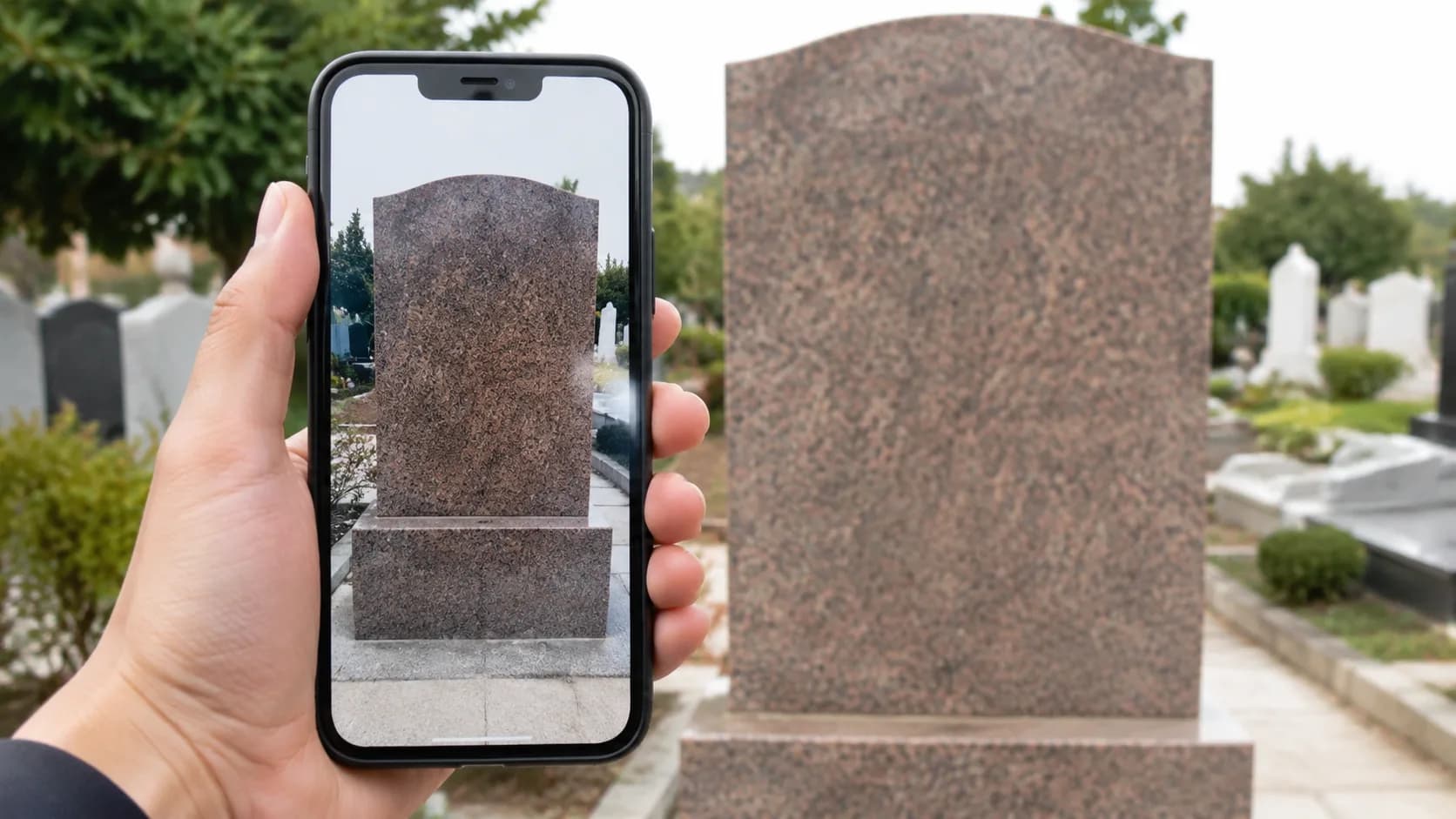
When a family abroad receives photos of a candidate grave, they can't fly out to verify. The photos themselves have to be the proof. This article is the family-side checklist.
Minimum for a verification photo: wide shot (full plot with neighbours for context), close-up of legible inscription, gate-perspective angle, EXIF metadata (date + GPS), and on request a «today» marker (a fresh newspaper or watch).
Check EXIF yourself: macOS Cmd+I, Windows right-click → Properties → Details, or online via exif.regex.info. Look at Date Taken and GPS Position; cross-check the coordinates in Google Maps.
Signs of fakes: stripped EXIF, date wildly off, GPS not in the cemetery, lighting that doesn't match the claimed time. If in doubt, order a video confirmation and request multiple angles.
Frequently asked questions
No. EXIF is often stripped when photos go through WhatsApp or Telegram (both compress and strip metadata by default). Ask for the original via email or a file-sharing link.
Verification then shifts to other markers: plot location, fence, neighbouring names, family adjacency, ceramic portrait if present. An inscription restoration may be needed as a separate service.